FieldPal Capture
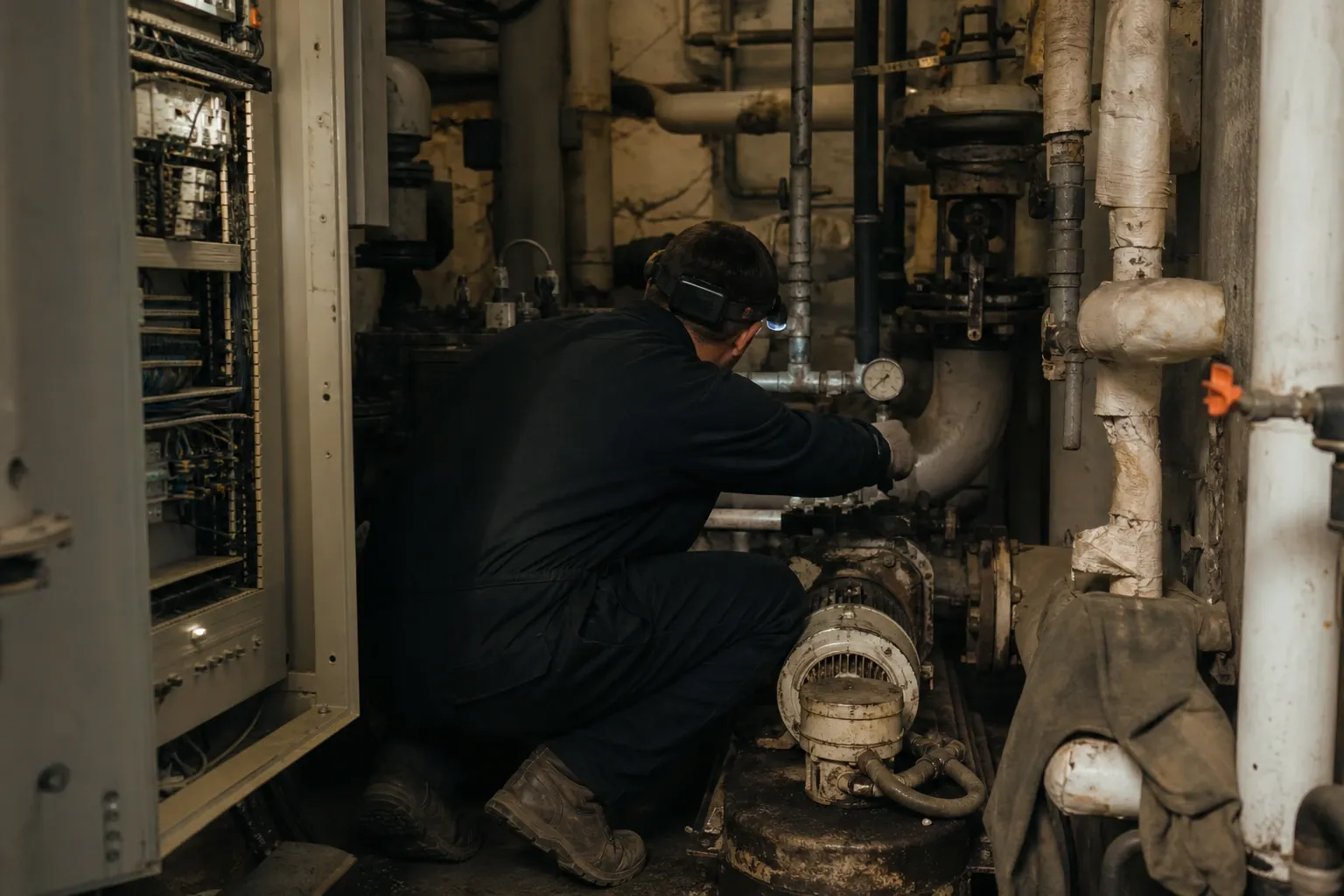
The record gets written up later, from memory, in a portacabin. That is where the detail dies.
Capture moves reporting back to the moment the work happened. The technician talks through the job; FieldPal assembles the structured record behind them.
The problem
Nobody is being lazy. The interaction is impossible.
Ask a service manager what is wrong with their completion data and you'll hear a version of the same answer: the work gets done, the job gets closed, and the record is three words and a photo.
That is what happens when you ask someone to type a considered account of a repair on a phone, in a plant room, at the end of a shift, with a tool in the other hand. The constraint was never the form. It was the keyboard.
The cost isn't administrative. It is rejected warranty claims, failed audits, disputed work, and an asset history that never accumulates into anything you can make a decision with.
How it works
Describe the job. Get the record.
-
01
The technician talks
In their own words, in whatever order the work actually happened. They aren't navigating a sequence somebody assumed in advance.
-
02
FieldPal structures it
What was said is understood and mapped into the structured record your job sheet, inspection report or warranty claim requires.
-
03
It's ready when you need it
Timestamped, attributable, reviewed and approved, ready for the claim, the audit or the next technician.
What that looks like
One spoken account, one structured record
The technician never has to fill in a field. The record still gets every one of them.
What the technician says
“Pack was throwing an isolation fault, traced it to a chafed loom behind the nearside arch, replaced the section, retested, clear.”
In their own words, in the order the work actually happened.
What FieldPal assembles
The record your process requires
Where it lands
Your systems, not ours
Routed into the job sheet, inspection report or warranty claim, timestamped and attributable.
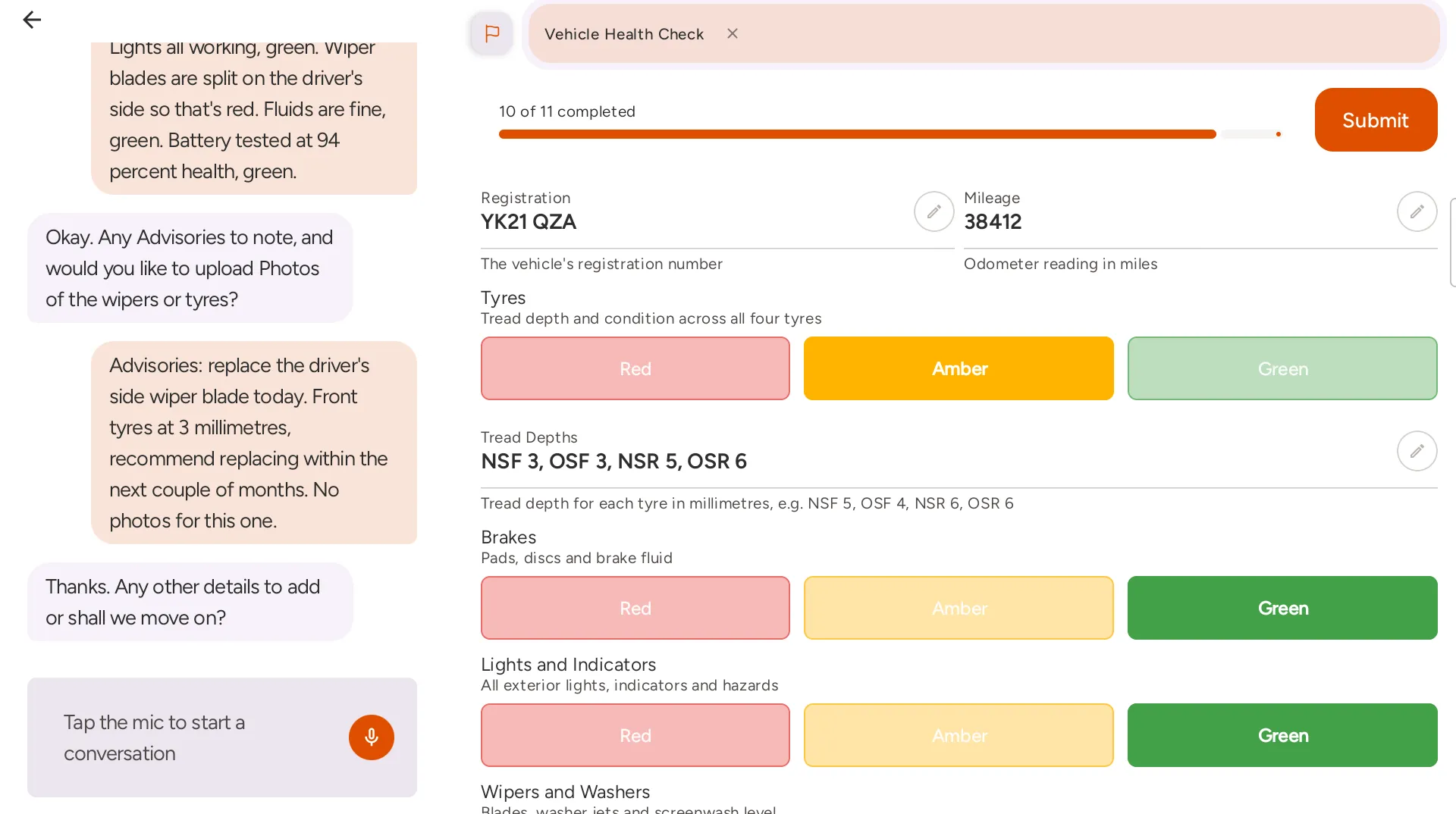
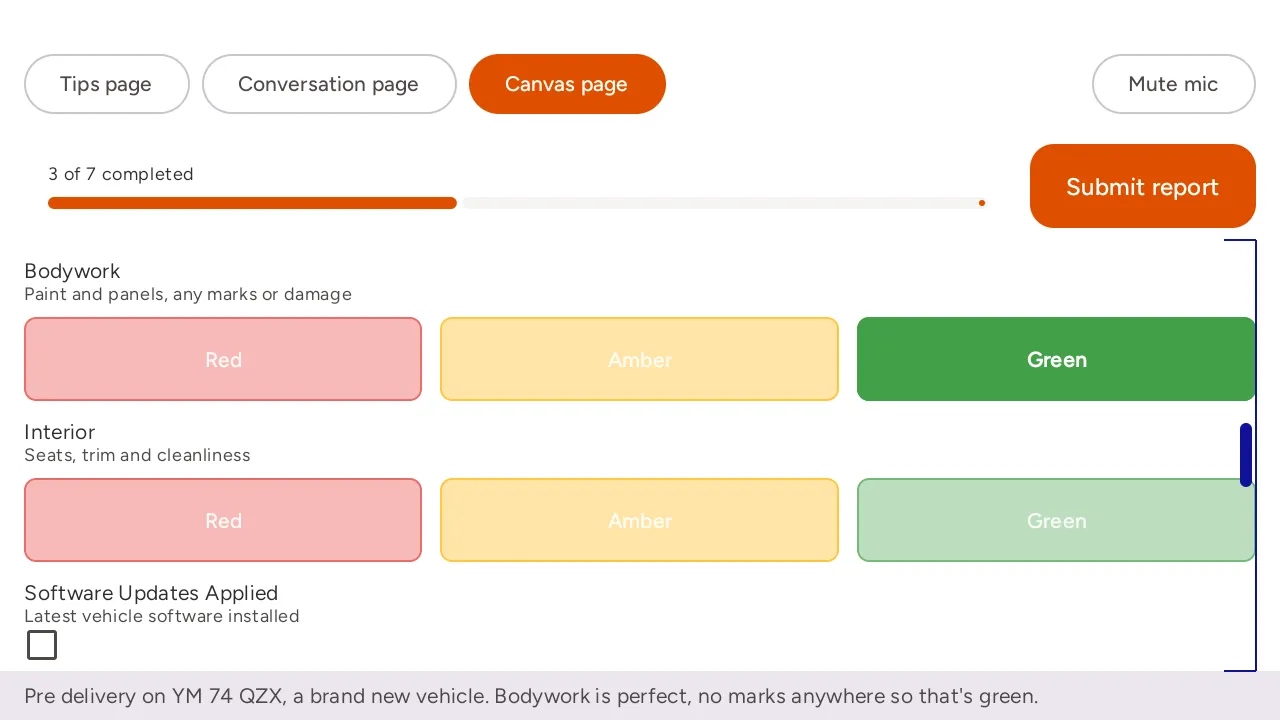
On a real job
The same thing, running
Real screens from the app, not mock-ups. The record fills in as the technician works through the job.
What makes it different
No form to build first
Every checklist product shares the same ceiling: it can only capture what somebody thought to ask. Capture has no template to hit the edge of.
-
Handles work nobody predicted
A fault diagnosis has no correct sequence. The technician follows the evidence, and the record follows the technician, including the parts no form anticipated.
-
Coverage from day one
There is no authoring project, no content estate to maintain, and no forty-digitised-procedures-out-of-four-hundred. Every job type is covered the day you start.
-
Hands-free on wearables
It runs on RealWear head-mounted devices as well as phones and tablets, for work where holding a screen isn't an option at all.
-
Evidence that stands up
Timestamped, attributed and export-ready, so audit preparation stops being a project in its own right.
Why at the asset
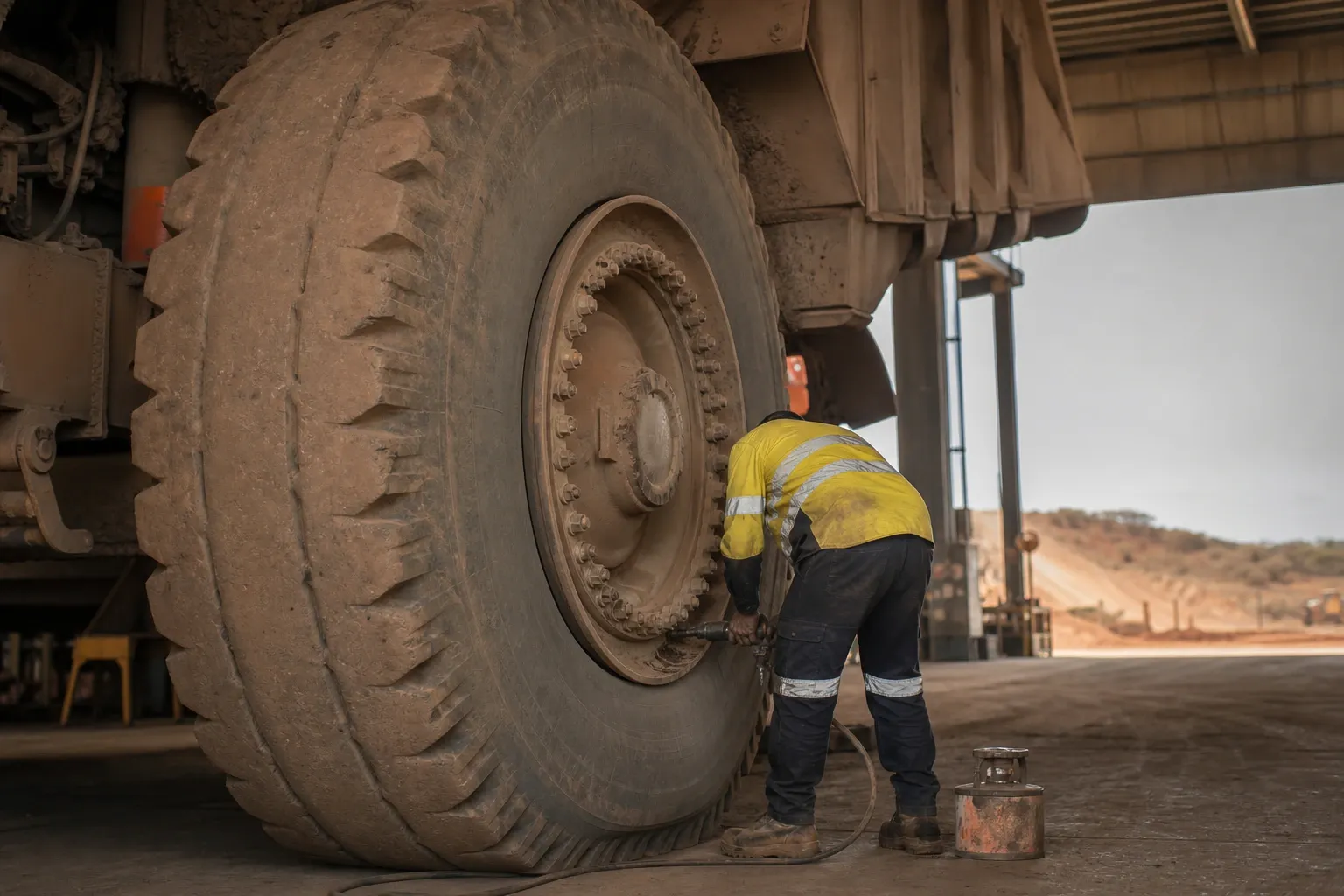
The detail has a short shelf life
The detail that makes a warranty claim survive is the detail a technician can only remember for about twenty minutes. Capture it then, or accept what you get two days later.
Get the app
Capture runs where the work does
Android and iPhone, plus RealWear head-mounted devices.
Questions
What people ask before they try it
- What if the technician leaves something out?
- FieldPal prompts for the fields that are missing rather than accepting a half-finished record. The technician is asked for the fault code or the part number while they're still standing next to the job.
- Does the record go straight into our service system?
- Not yet. Today the record is reviewed and approved in FieldPal, ready for your service, warranty or job management system. Automated two-way integration is in active development, and we'll tell you where your specific system sits on that roadmap.
- Is Capture licensed separately from Find?
- No. Every licence includes both, because on a real job the question and the record are part of the same conversation.
Try it on a job sheet you use today
Start the free trial, set up the job sheet you already use as a template, and complete it by voice on your own device. Two weeks, no card and no sales call.