The platform
Most AI assumes a desk, a screen and a spare hand. Real work assumes none of them.
FieldPal is built voice-first for the point of physical work. Technicians talk instead of typing, asking questions of your own documentation, and producing structured records from the job as it happens.
- 2
- Capabilities in one conversation: Find and Capture
- Voice
- First interaction model, not a bolt-on
- Any
- Language, at the point of work
- Phones
- And tablets, plus RealWear head-mounted devices
What you get
One platform, two jobs that eat the working day
Most frontline software solves half of this. Technicians lose time hunting for answers, and lose detail writing up what they did. FieldPal addresses both, in the same conversation.
-
FieldPal Find
Ask a question out loud and get an answer grounded in your own manuals, service bulletins and repair history, with the source named so it can be checked. This isn't a general model guessing about your equipment.
-
FieldPal Capture
Describe the job in your own words and FieldPal assembles the structured record behind the scenes. There's no form to build first, no fields to tab through, and no need to take your gloves off.
The shape of it
One conversation, on the way in and on the way out
Find and Capture aren't two products a technician switches between. They are the two halves of the same exchange, either side of the work itself.
Before and during
Your documentation
- Manuals and service bulletins
- Troubleshooting trees and parts data
- Every job your network has closed
Find
“What applies to this machine?”
Asked out loud, answered from your approved material, with the source named.
The job
A technician, both hands on the asset
Phone, tablet or head-mounted device. One conversation, not two apps.
Capture
“Here is what I actually did.”
Spoken at the asset, in the order the work happened, with no form to build first.
Afterwards
A structured record
- Into the systems you already run
- Timestamped and attributable
- Ready for the claim, the audit, the next technician
The interaction model
Talk, don't type
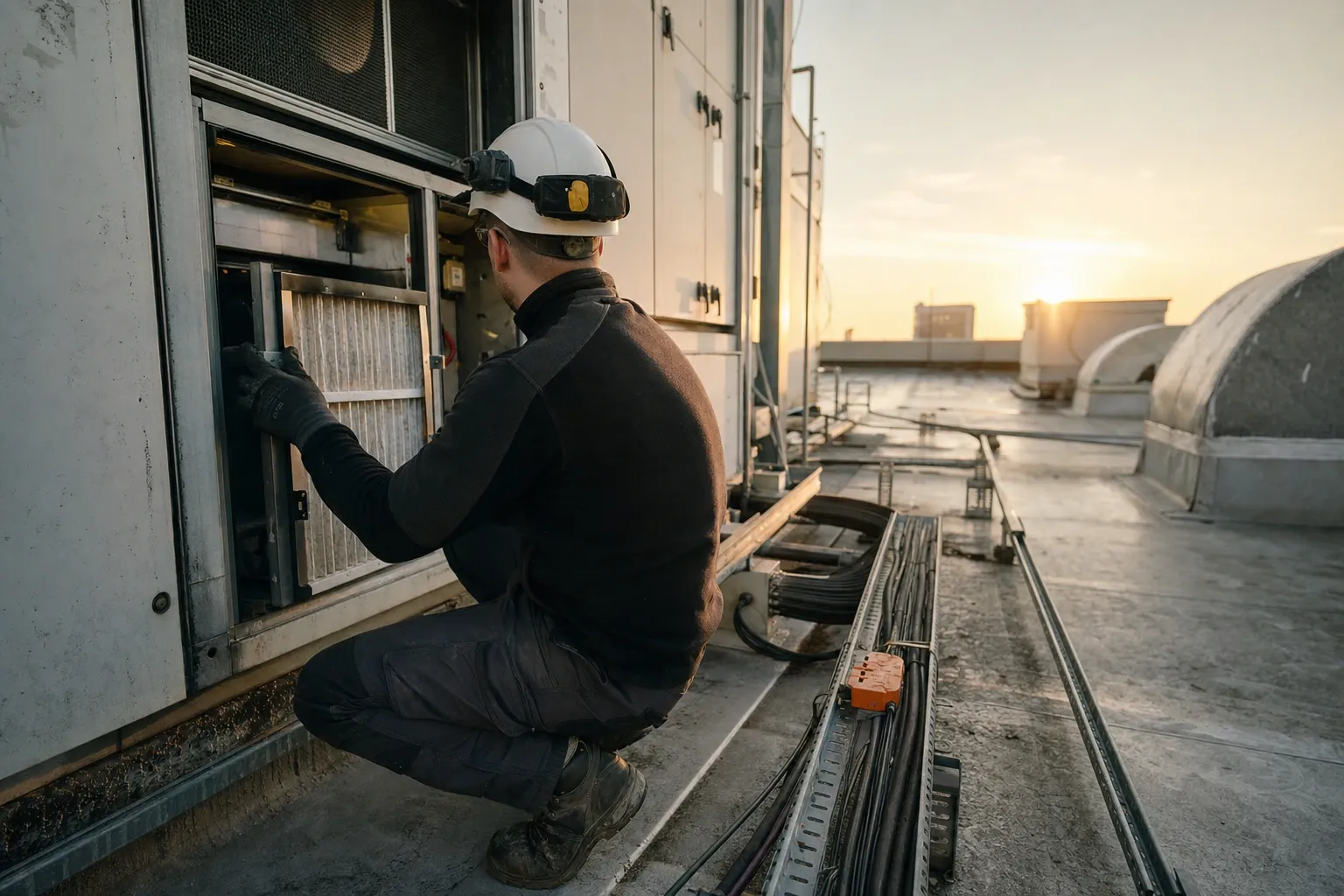
FieldPal is voice-first by design, not by adaptation. Users are encouraged to talk rather than type, and the experience is built to feel natural enough that adoption doesn't need a training programme behind it.
That matters because the alternative isn't a worse interface. It is no interface at all. A technician with both hands on a machine doesn't pick up a tablet. They finish the job and write it up later, from memory, and the detail that mattered is already gone.
It also means language stops being a barrier. FieldPal listens and understands in the technician's own language, which for a global dealer or service network is often the difference between documentation that exists and documentation anyone can actually use.
How it works
From your documents to answers at the asset
There's no content programme to run, no authoring project, and no rebuild of your systems.
-
01
Ingest what you already have
Manuals, service bulletins, technical instructions, troubleshooting trees, parts data and repair history. Formats and languages are usually a mess, and that is the normal starting point, not a blocker.
-
02
Structure and index it
Content is indexed by product, model, variant and configuration, so an answer is scoped to the asset in front of the technician rather than the product family in general.
-
03
Put it where the work is
On the phones and tablets your technicians already carry, and on RealWear head-mounted devices when there's no hand free to hold a screen.
Why both halves
The fix you make today is the answer somebody gets tomorrow
Capture and Find aren't two features that happen to be sold together. One writes into the systems you already run; the other reads back out of them. Run either on its own and the loop never closes.
01 · At the asset
A fault is captured
The technician talks through what they found and what fixed it. Capture assembles the structured record while their hands stay on the job.
02 · Through the integration, in development
It will land in your system
Your DMS, CMMS, service platform or document store: wherever your business already looks. FieldPal isn't designed to keep a copy of its own.
03 · In your knowledge base
It sits alongside the manuals
Indexed with the manufacturer’s bulletins and technical material, scoped to the model, variant and configuration it actually applies to.
04 · Next time it happens
Somebody asks, and Find reads it back
“Has anyone seen this before?” Answered from your own base, citing the job it came from, to a technician who has never met the fault.
Under the hood
Built for field conditions, not adapted to them
-
Grounded answers
Responses come from your documentation, with provenance attached. A plausible answer isn't good enough when someone is deciding whether to open a high-voltage pack.
-
Configuration-aware
Guidance is matched to variant, revision and modification history, so an engineer isn't handed a procedure that applies to a different build.
-
Multilingual at the point of work
Ask in the technician's own language and get the answer in it, even where the source document was only ever published in one.
-
Enterprise integration
Still in development. It is being built to connect to the systems you already run, including Microsoft Dynamics, ServiceNow and SharePoint, so records land where your business already looks for them.
-
Your data stays yours
Your data is kept separate from every other customer's. Run it in the cloud or your own environment, depending on what your compliance position requires.
-
Provable execution trail
Every question asked and record captured is retained and attributable, giving you the audit evidence that manual processes struggle to produce.
Tablet, phone and headset
Whatever the device, the job is the same
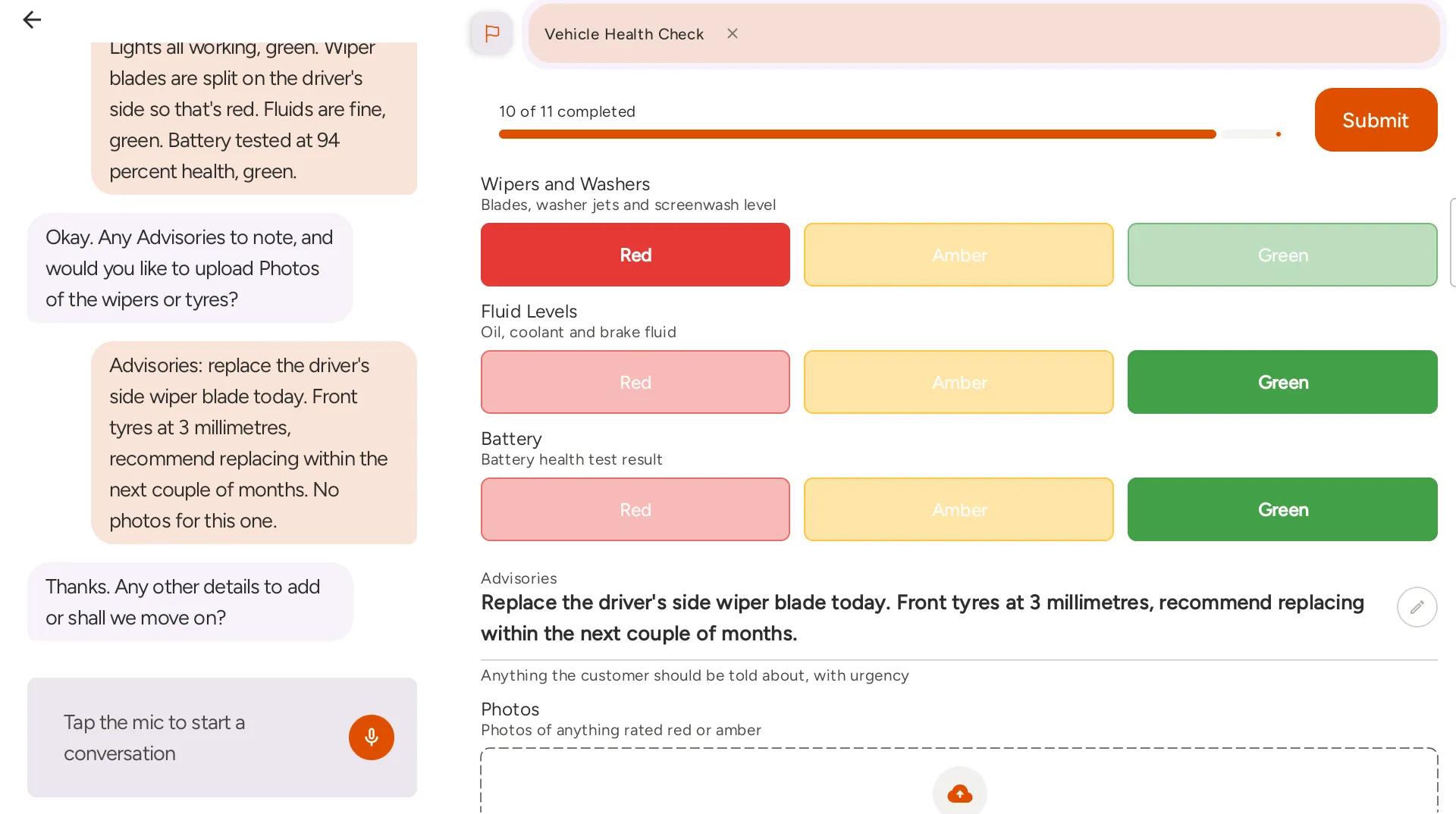
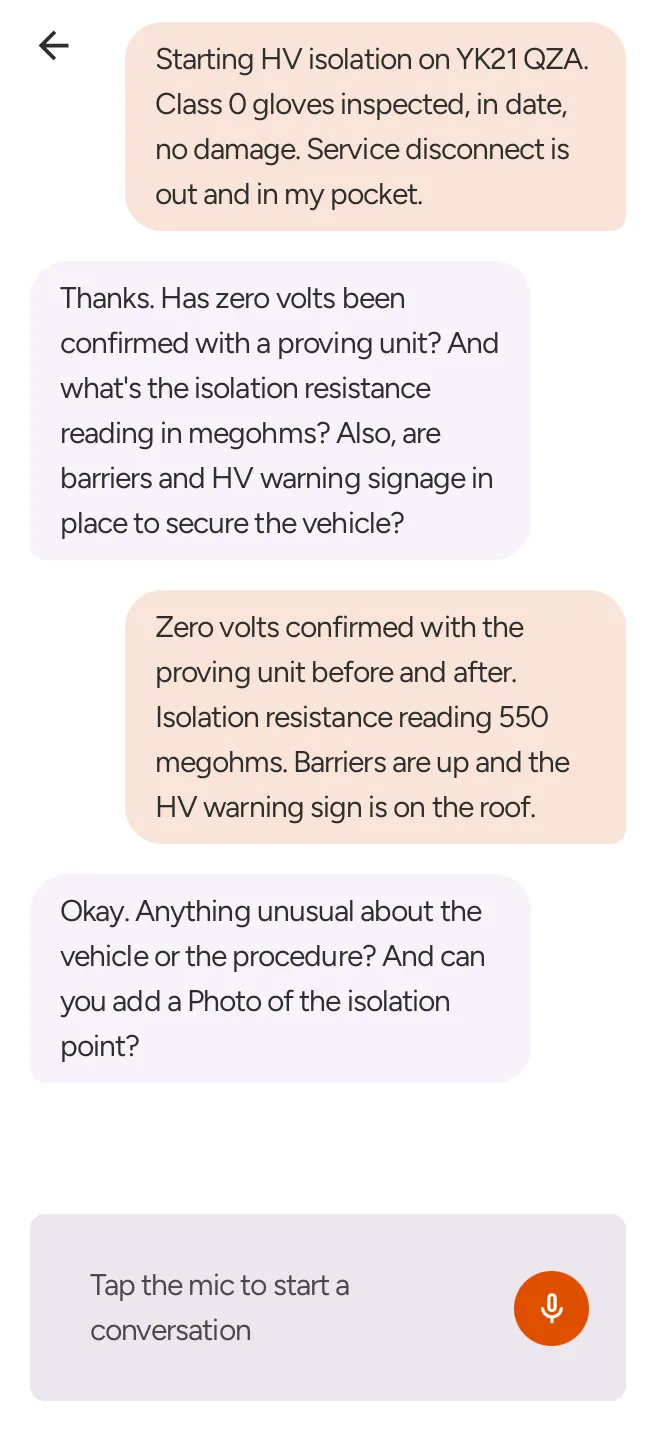
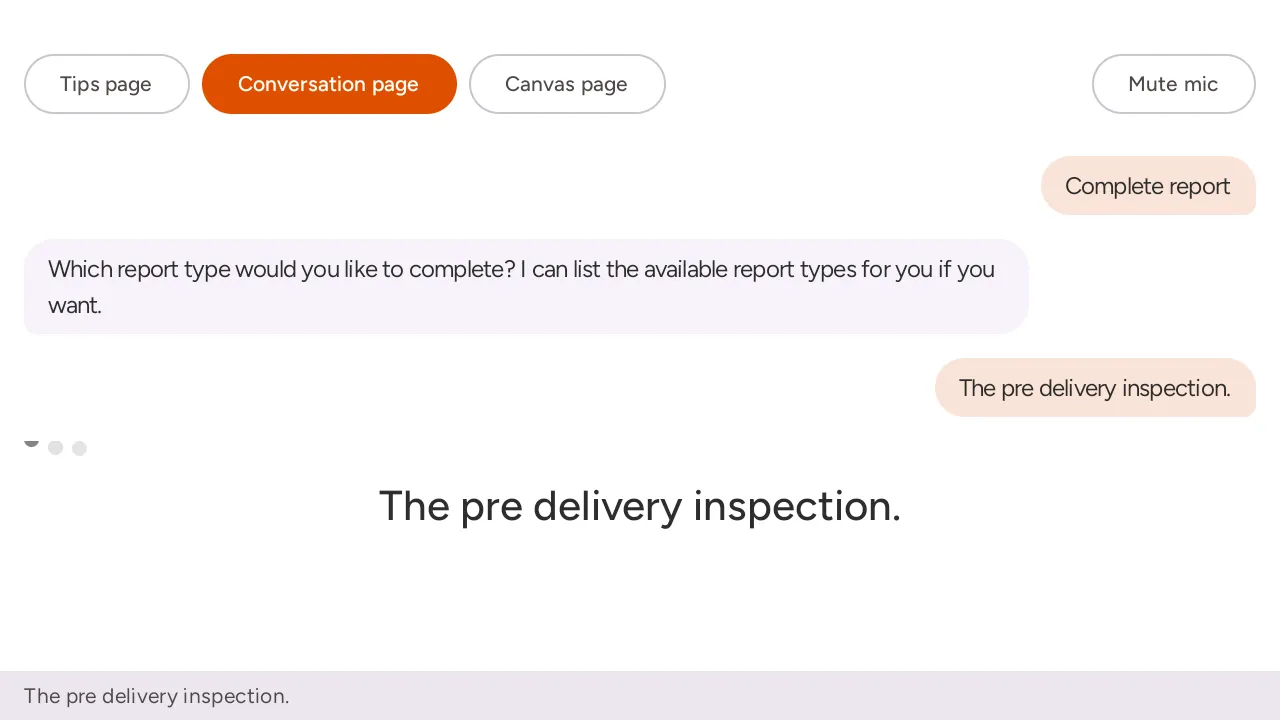
These are real screens from each. The layout changes with the device; the conversation and the record don't.
Get the app
On the devices your technicians already carry
Android and iPhone, plus RealWear head-mounted devices for jobs where holding a phone isn't an option.
Questions
What people ask about the platform
- Do we buy Find and Capture separately?
- No. Every licence includes both. On a real job, answering and recording are the same conversation, so we don't sell them as separate products.
- Can we try it before talking to anyone?
- Yes. There's a two-week free trial anyone can start, with no sales call and no card. Point it at some of your own documentation and judge it on that.
- Where is our data hosted?
- On the managed service, in Microsoft Azure, primarily in Sweden Central. If you need structural rather than logical separation, a private segregated instance is available. Either way, your documentation isn't used to train models serving anyone else.
- Does FieldPal work without a connection?
- Partly. Voice notes and video record on the device with no connection and are transcribed once it's back. Answering questions and completing forms offline is still being built; the roadmap page has the detail.
See it running on your own documentation
Start the two-week free trial and point FieldPal at a set of your own manuals and a job sheet you use today. No card and no sales call.